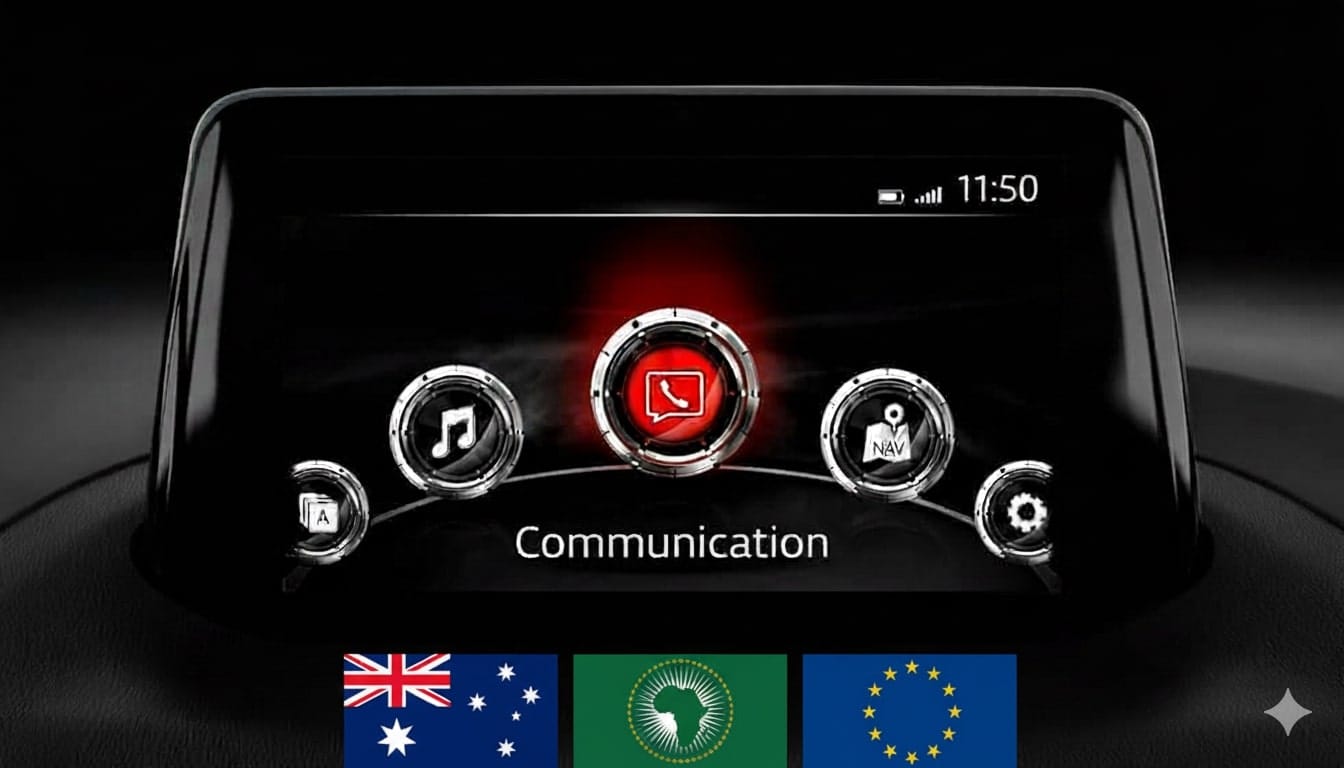
Mazda Connect 1 Firmware Update v70.00.100A ADR (Australia, NZ, Asia, Middle East, 2014-2025)
Product Overview
This is a critical intermediate (bridge) firmware version (70.00.100A) for the Mazda Connect 1st Generation system. According to Mazda’s official instructions, this version is a recommended step when updating from older versions (v56 or v59) to the latest v70 or v74 series.
Important: This is the last firmware version that includes a Failsafe file. Subsequent updates (v70.00.3xx and v74.xxx) consist of a single file without a separate Failsafe.
🌍 Regional Compatibility
Region Code: ADR 4A (Oceania, Asia, Middle East, Africa) Supported regions and countries: Australia, New Zealand, Christmas Island, Fiji, Indonesia, Kangaroo Island, Malaysia, Middle East (Qatar, Saudi Arabia, etc.), Oceania, Papua New Guinea, Philippines, Singapore, South Africa/Africa, South America (Most countries), Asia (excluding Japan/China), Tasmania, Thailand.
🚗 Applicable Models
Mazda 2: 2014–2025*
Mazda 3: 2014–2018*
Mazda 6: 2015–2025
Mazda MX-5 Miata: 2014–2024*
CX-3: 2014–2025
CX-5: 2015–2025*
CX-80: 2019–2025*
CX-9: 2015–2025*
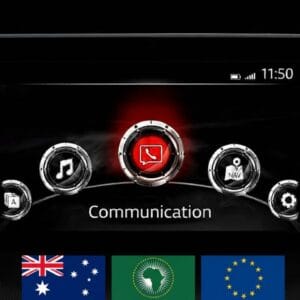
Note: Not compatible with Mazda Connect System 2 (10.25″ / 26cm displays). Only for 1st Gen systems (icons in a semi-circle).
✨ Key Firmware Features & Fixes
Connectivity: Full support for Apple CarPlay™ and Android Auto™.
Visual Enhancements: Improved fonts and layout for i-stop, i-ELOOP, and Fuel Economy Monitor. Updated CarPlay brand icons.
Status Bar Fix: Resolves the “white stain” issue appearing in the status bar on the home screen.
SiriusXM Fix: Corrects the “greyed out” block letters on Fuel Prices and Parking screens when using SiriusXM Travel Link.
Gracenote: Includes the latest music metadata database update.
✅ Upgrade Path – Read Carefully
Two-Step Update Required: If your current firmware is v56.00.000A or BELOW, you MUST install version 70.00.100A first (Two-file installation: Failsafe then Reinstall).
Direct Update (Single File): If your current version is v56.00.100 or NEWER (e.g., 56.00.200, 58.00.xxx, 59.00.xxx, 70.00.xxx), you can update directly to v74.00.324A.
📥 Installation Requirements
USB Drive: 4GB to 16GB (Strictly FAT32 formatted).
Time: Approx. 15–30 minutes.
Instant Access: Digital product – download link provided immediately after payment.
🛠️ Installation Instructions
Step 1: Preparation
Format your USB stick to FAT32.
Copy the .up file to the root directory (do not use folders).
Crucial: Disconnect all devices from USB ports and remove the Navigation SD card before starting. Re-insert it only after the update is complete.
Step 2: Enter Diagnostic Mode
Turn vehicle to ACC or ON mode (Keep engine running for stable power).
Press and hold: Music Note + Favorites + Mute (Volume) for about 5 seconds.
Navigate to: System Update > Search for Update.
Step 3: Update Process
The system will detect the file. Confirm to start.
Warning: Do not power off the vehicle or remove the USB until “Update Successful” appears. The system will reboot automatically.
Disclaimer: This update covers original Mazda systems only. We are not liable for malfunctions in aftermarket accessories or non-genuine components.
charlie obryan –
I have been looking for these files everywhere and could’nt find them anywhere. Thank god for this site. now i can update to the latest firmware version for my old cx-5.